A single broken checkout flow can cost an Indian online store more in a weekend than a full year of maintenance would. However, ecommerce support is frequently the initial expense to be eliminated from the budget – until a sale fails due to a payment gateway malfunction, or a security hole allows customer information to slip away. This checklist is designed to tell you exactly what ecommerce website maintenance services should entail, and what you're missing out if you don't have them.
Why Ecommerce Stores Need More Than Standard Website Maintenance
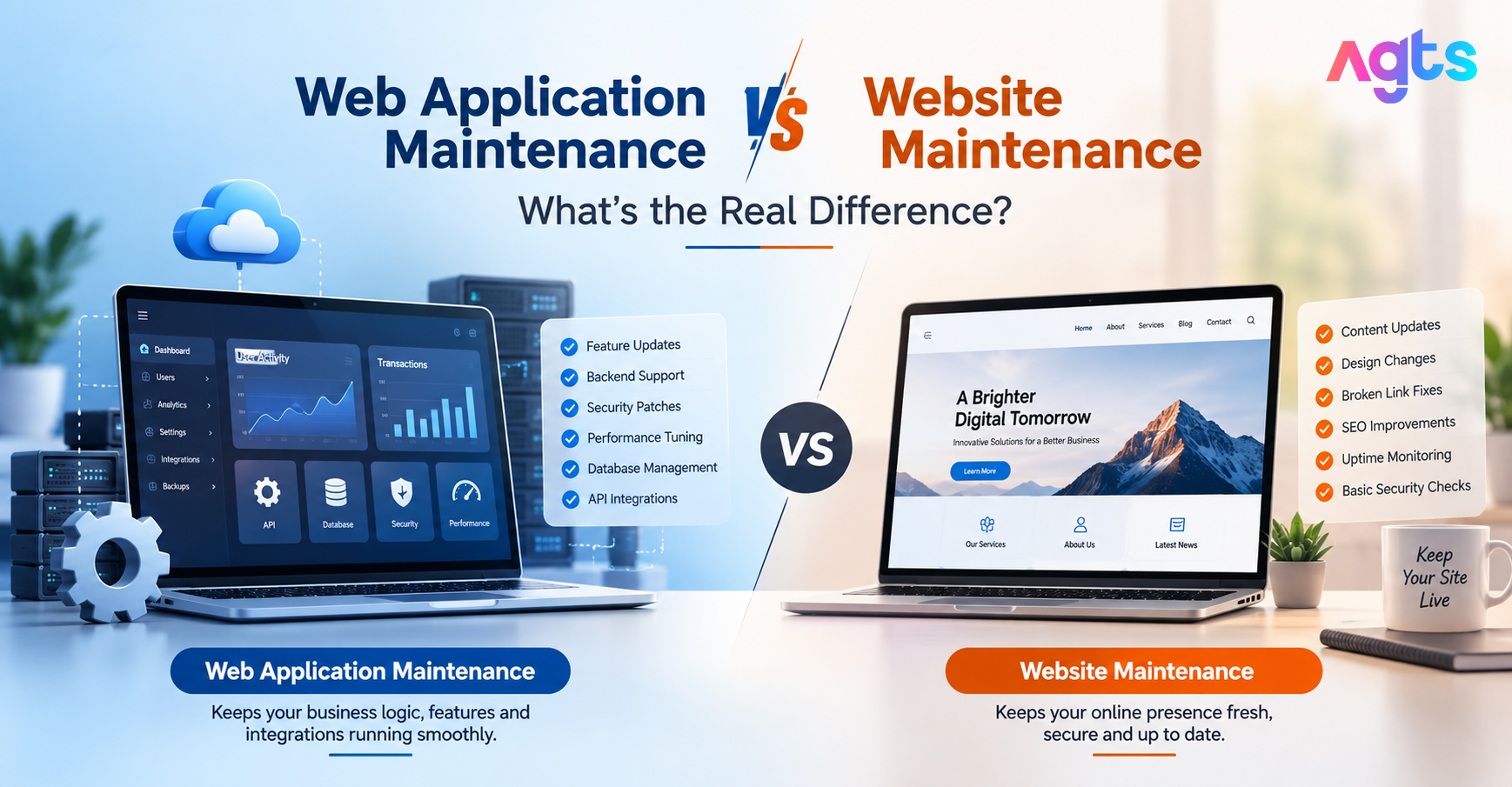
A regular website breaks in front-end ways a broken link, an outdated page. An ecommerce store breaks in ways that directly cost revenue: a failed payment gateway, an out-of-sync inventory count, a slow checkout page that drives cart abandonment. This is why ecommerce website maintenance services are scoped differently from standard website maintenance; they have to account for transactions, customer data, and real-time inventory, not just content.
The Complete Ecommerce Website Maintenance Checklist
1. Payment Gateway & Checkout Testing
- Test all active payment methods (cards, UPI, wallets, COD) monthly
- Verify payment gateway API integrations haven't broken after provider updates
- Check for failed transaction logs and investigate patterns
- Complete checkout process end-to-end, including coupon codes and shipping calculators
2. Inventory & Product Data Sync
- Ensure that all stock levels are synced correctly to all stores and warehouses and any marketplace integration.
- Look for duplicate or orphan listings of products
- Check if price changes are accurate for all product variations
- Audit out-of-stock handling — are unavailable items clearly marked, not just hidden?
3. Security & Compliance
- Run regular malware and vulnerability scans — ecommerce sites handling payment data are higher-value targets
- Confirm SSL certificate is active and renewing automatically
- Review PCI-DSS compliance requirements if storing any card data
- Audit admin access logs for unauthorized login attempts
- Patch CMS, plugins, and any custom checkout code promptly
4. Site Speed & Performance
- Test page load time on product and category pages, not just the homepage
- Optimize product images (a common cause of slow ecommerce pages)
- Measure the speed of pages other than the home page, such as the product and category pages.
- Optimize product images (a common slow ecommerce page issue)
5. Backup & Disaster Recovery
- Daily backups at minimum, given the volume of order and customer data
- Test backup restoration periodically — a backup that's never been tested isn't a reliable one
- Maintain a documented recovery plan for checkout or payment failures
6. Third-Party Integration Monitoring
- Shipping/logistics API integrations (Shiprocket, Delhivery, etc.)
- Email/SMS notification services for order confirmations
- Analytics and tracking pixels (Google Ads, Meta Pixel) — broken tracking means wasted ad spend
- CRM or marketing automation integrations
7. SEO & Content Health
- Check for broken product links, especially after items go out of stock or get delisted
- Update meta titles/descriptions for seasonal or high-priority products
- Audit category page structure as the catalog grows
- Monitor for duplicate content issues common in ecommerce (variant URLs, filters)
8. Mobile Experience
- Test checkout flow specifically on mobile, where most Indian ecommerce traffic originates
- Verify payment method availability and UI aren't broken on smaller screens
- Check load times on mobile networks, not just Wi-Fi
What Happens Without Regular Maintenance
|
Skipped Task |
Likely Consequence |
|
Payment gateway testing |
Failed transactions during peak sales, direct revenue loss |
|
Security patching |
Increased risk of data breach, customer trust damage |
|
Inventory sync checks |
Overselling out-of-stock items, order cancellations |
|
Speed optimization |
Higher cart abandonment, lower search rankings |
|
Backup testing |
No reliable recovery if the site goes down or gets corrupted |
|
Third-party integration checks |
Silent tracking/notification failures, wasted ad spend |
How Often Should Each Task Run?
- Daily — backups, payment gateway status checks
- Weekly — inventory sync verification, broken link checks, performance monitoring
- Monthly — full security scan, SEO audit, third-party integration review
- Before major sales/festive periods — full checkout stress test, server load testing, mobile experience audit
Choosing a Maintenance Provider for Your Online Store
Not all website maintenance providers can do ecommerce. To measure ecommerce website maintenance providers, ask them the next questions:
- Knowledge of platform (Shopify, WooCommerce, Magento, custom-built)
- Troubleshooting integration of payment gateway and API as well as front ends.
- A defined response time for checkout or payment failures — these can't wait a week
- Security scanning scoped for transaction and customer data, not just basic malware checks
- Pre-sale/festive season load testing is included in the plan, not an additional fee.
Frequently Asked Questions
How many times a day should an ecommerce site be updated?
Backups, payment gateway status and other critical checks should be conducted daily; complete security and performance audits should be performed monthly and there should be additional stress tests performed ahead of major sales events.
Ecommerce Maintenance vs. Website Maintenance, what's the difference?
Ecommerce maintenance covers transaction-specific needs — payment gateways, inventory sync, checkout testing, and PCI-related security — that standard website maintenance isn't scoped to handle.
Is there a way to do my own ecommerce maintenance or do I need to hire one?
While it's feasible to keep things small, most companies prefer the regular security, integration and monitoring of performance to be handled by a dedicated maintenance provider, particularly as order volumes increase.
What's the biggest risk of skipping ecommerce maintenance?
Payment gateway failures and security breaches come with the biggest direct costs – a broken checkout during a sale or a data breach both have an immediate measurable cost, in terms of loss of revenue and reputation.
Does maintenance help with ecommerce SEO too?
Yes — broken links, slow load times, and duplicate content from unmanaged product variants all hurt ecommerce SEO, so regular maintenance directly supports search visibility.
Get Your Store Covered Before the Next Sale
Most ecommerce maintenance failures aren't visible until they cost you an order, a customer, or a sale-day spike in revenue. Running through this checklist regularly — or having a provider run it for you — is what separates a store that scales smoothly from one that scrambles during every traffic surge.
AlphaGenix Technology Solutions (AGTS) runs this exact checklist as a standing service — payment gateway monitoring, security patching, inventory checks, and pre-sale load testing included. If your store is due for a maintenance review before the next big sale, talk to AGTS about ecommerce website maintenance services.