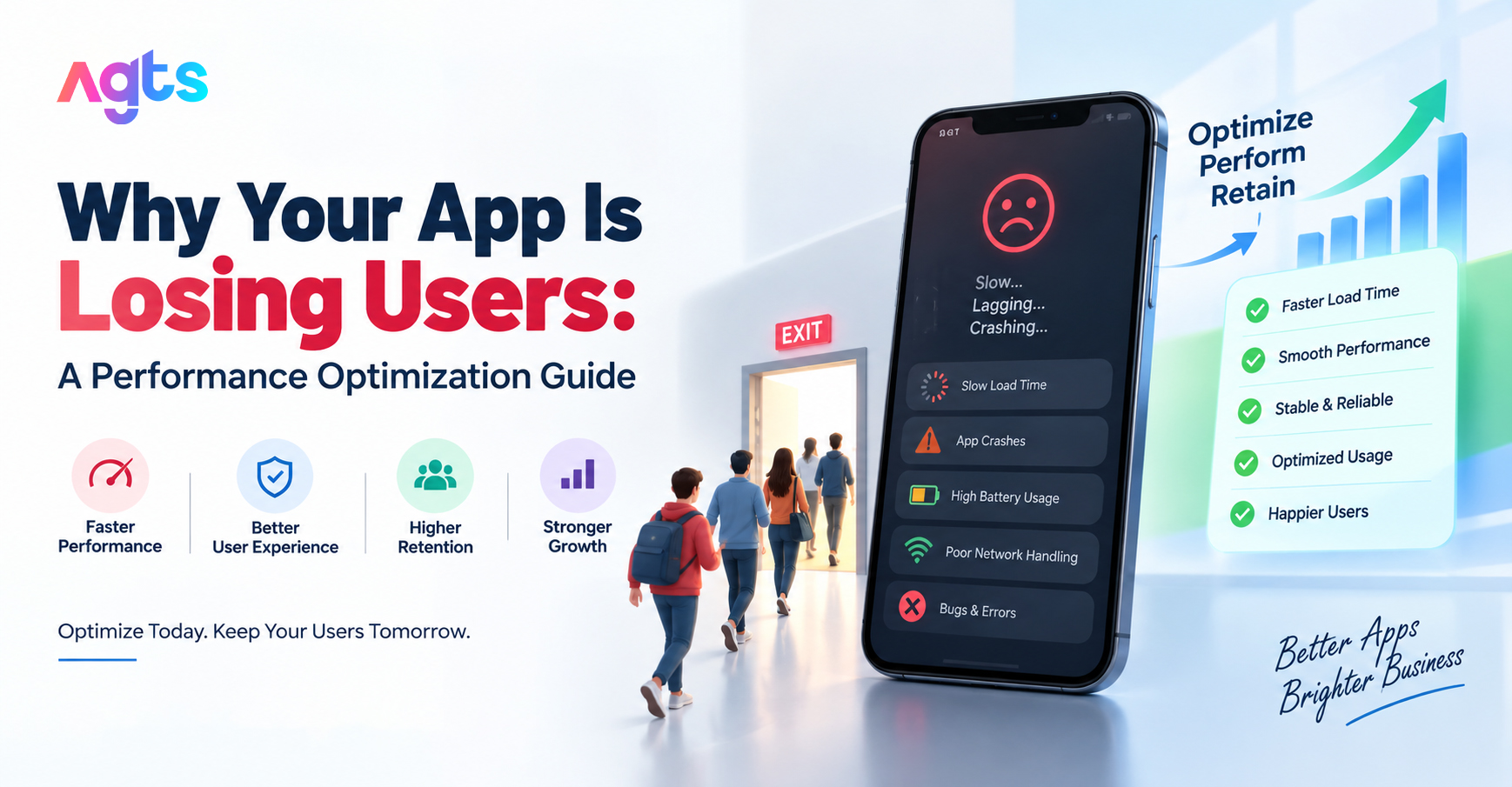
Users don't leave a review before they uninstall; they just leave. If your download numbers look fine but your active user count keeps sliding, the problem is rarely the app's core idea. It's almost always performance: a slow load, a crash on a common device, a screen that lags on scroll. These are the kind of issues a mobile app maintenance company India is built to catch before they cost you users.
This guide walks through why apps lose users, how to diagnose it, and what a proper mobile app maintenance plan should include to stop it.
Why Users Actually Uninstall Apps
It's best to understand the cause of the decline before making any optimizations. But the most frequent reasons why users leave an app are not really about features:
- Slow load times - users expect an app to open in under 2–3 seconds; anything longer and attention shifts elsewhere
- Crashes on specific devices or OS versions - an app that works fine on your test phone can crash consistently on older Android versions or specific screen sizes
- Battery and data drain - background processes that aren't optimized quietly push users to uninstall, often without them realizing why
- Laggy UI on scroll or navigation - even a well-designed app feels broken if transitions stutter
- Outdated app not updated for new OS versions - an app that hasn't been maintained against the latest Android or iOS release starts breaking in ways the original build never had
None of these show up in a feature list. They show up in your uninstall rate.
The Real Cost of Ignoring App Performance
A performance issue left unaddressed doesn't stay small. Slow load times and crashes drag down app store ratings, and low ratings suppress visibility in app store search — which means fewer new installs on top of the users you're already losing. It compounds. This is exactly the gap ongoing maintenance is meant to close: catching performance drift before it shows up as a 2-star review.
What Ongoing App Maintenance Should Actually Cover
Not all maintenance plans are equal. A mobile app maintenance company India worth paying for should include, at minimum:
- Performance monitoring - tracking load times, crash rates, and ANRs (App Not Responding errors) on an ongoing basis, not just at launch
- OS compatibility updates - testing and patching against new Android and iOS releases as they roll out
- Crash reporting and resolution - a defined process for catching crash logs and fixing root causes, not just acknowledging them
- Battery and memory optimization - auditing background processes and memory leaks that drain device resources
- Payment gateway, analytics SDK and push notification service changes - keeping these components up-to-date to ensure they don't cause silent failures
- Security patching – closing vulnerabilities in stored data, API calls, authentication flows
- Regular performance audits – scheduled checks (monthly/quarterly) instead of reactive fixes as soon as something breaks
How to diagnose performance issues - where do you begin?
When your application has already begun to lose users, it is time to review things in this order: :
- Trends in app store reviews and ratings - if there are common issues that customers are reporting, such as slow speed or crashing, it's a sign that there are problems.
- Crash analytics - check crash-free session rate; anything below 99% needs attention
- Load time benchmarks - measure cold start time (app fully closed) and warm start time (app in background) separately
- Device and OS breakdown - identify if crashes cluster around specific devices, screen sizes, or OS versions
- Battery and data usage reports - check whether your app appears in users' "high battery usage" list, a common uninstall trigger
- API response times - slow backend calls often masquerade as "app is slow" complaints
Performance Optimization vs. One-Time Fixes
|
Approach |
What It Covers |
Limitation |
|
One-time bug fix |
Resolves a specific reported crash or issue |
Doesn't catch the next OS update or new device that triggers a similar issue |
|
Ongoing maintenance |
Ongoing monitoring, OS compatibility updates, scheduled performance audits, crash resolution |
Requires a recurring commitment, but prevents issues from reaching users in the first place |
A one-time fix solves today's problem. Ongoing maintenance is what keeps your app from generating a new one every time Android or iOS pushes an update.
How Often Should Mobile Apps Be Maintained?
At minimum, a mobile app should be checked monthly for crash reports and performance metrics, with a full compatibility test run every time a major OS update rolls out (Android and iOS both ship major updates annually, with minor updates more frequently). Apps handling payments, location data, or user accounts need tighter monitoring — closer to weekly — given the security and compliance stakes.
Fixing the Leak Before You Lose More Users
Every uninstall driven by a crash or a slow load is a user you already paid to acquire. Fixing performance issues isn't a one-time project — it's ongoing work that needs to keep pace with every OS update, every new device, and every third-party SDK change.
AlphaGenix Technology Solutions (AGTS) runs mobile app maintenance plans built around exactly this: performance monitoring, OS compatibility updates, and crash resolution, so issues get caught before users notice them. If you're comparing a mobile app maintenance company in India and want a plan that actually prevents the next uninstall wave, talk to AGTS about a mobile app maintenance plan.
Frequently Asked Questions
Why is my app losing users even though downloads are steady?
Steady downloads with a shrinking active user base almost always points to a performance issue, slow load times, crashes, or battery drain rather than a marketing or acquisition problem.
What does a Mobile App Maintenance Plan consist of?
A typical plan includes performance monitoring, OS compatibility updates, crash reporting and resolution, security patching and third-party SDK updates and is typically reported on a monthly or quarterly basis.
What is the Mobile App Maintenance cost in India?
The additional costs depend on the complexity of the app, as well as the frequency of updates, but most Indian businesses will opt for a recurring monthly payment instead of paying per fix, since reactive fixes after a crash or security breech will be more costly to them in terms of lost customers than a maintenance plan will be.
How can I determine if my app's performance is actually a problem?
Look at crash-free session rate (should remain above 99%), cold start load time (should be less than 2–3 seconds) and if your app is showing in the users battery or data usage warnings.
Can old apps be optimized, or do they need to be rebuilt?
Most performance issues, slow load times, crashes, battery drain can be fixed through targeted optimization and maintenance without a full rebuild. A rebuild is usually only needed if the underlying architecture itself is outdated.