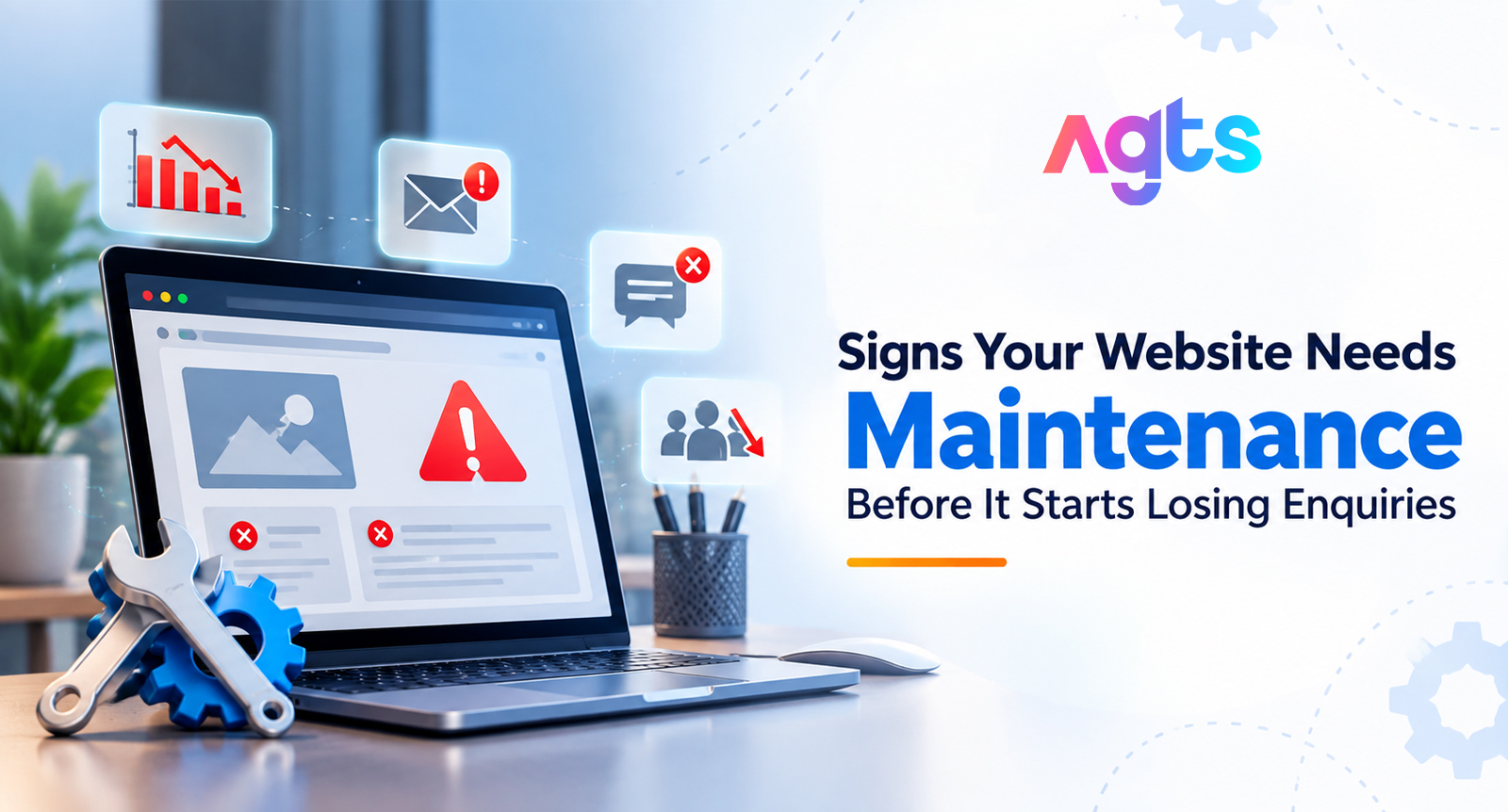
Most websites don't break all at once. They slow down a little. A contact form quietly stops sending emails. A security warning appears on one page. Then for months, no one notices anything, and then someone says at the office: "Why haven't we had any enquiries from the website lately?
When your website is the first place customers visit prior to calling you, these little issues cost actual business. A visitor who is waiting for a page too long or who receives a "Not secure" message in their browser seldom calls in to complain. They simply go back to Google and contact the next company on the list.
We'll discuss the most common symptoms that your site requires attention, what they mean to your business, and when it's time to let a website maintenance service provider do the work for you rather than solving each problem individually.
What Website Maintenance Actually Means
Website maintenance is the regular work that keeps your site secure, fast and working the way it should. It covers software and plugin updates, SSL renewals, backups, broken-link fixes, form checks, uptime monitoring and keeping your content current.
Think of it like servicing a car. You don't wait for the engine to fail before changing the oil. The trouble is that most businesses only call someone after something has already gone wrong, and by then the site may have been losing visitors for weeks.
10 Signs Your Website Needs Maintenance
1. Your pages take too long to load
Speed is usually the first thing to slip. Images get added without compression, plugins pile up, and the site gets heavier every month. Open your website on your phone using mobile data, not office Wi-Fi. If you find yourself waiting, your visitors are waiting too, and many of them won't stay. You can also run your homepage through Google PageSpeed Insights for a free score.
2. Website traffic is steady, but enquiries have dropped
This is the most expensive problem on this list because it is invisible. Your contact form may be failing, emails may be landing in spam, or the WhatsApp button may point to an old number. Fill in your own contact form once a month and check that the message actually arrives. It takes two minutes and can save a month of lost leads.
3. Your browser shows a "Not secure" warning
This usually means your SSL certificate has expired or was never set up properly. Browsers now flag these sites clearly, and most visitors leave the moment they see the warning. SSL certificates need renewing, and expiry dates are easy to forget when nobody is tracking them.
4. Plugins, themes or your CMS haven't been updated in months
Log in to your website dashboard. If you see a long list of pending updates, your site is running on old software. Outdated plugins and themes are one of the most common ways websites get hacked. Updates also fix bugs and keep features compatible with newer browsers.
5. Visitors keep finding broken links or missing images
A "404 Page Not Found" error or a blank space where an image should be makes your business look careless. Broken links build up over time as pages are renamed, products are removed or external sites change their URLs. Google also notices them while crawling your site.
6. The site looks broken on mobile
Most people in India browse on their phones. If text is too small to read, buttons overlap, or menus don't open properly on mobile, you are losing a large share of your visitors before they even read about your services. Check your site on two or three different phones, not just your own.
7. Your content is out of date
A footer that still says "© 2021", an offer that ended last Diwali, a team member who left two years ago, or a phone number nobody answers. Old content tells visitors the business may not be active anymore, even when it is.
8. Your Google rankings or search traffic are falling
A steady drop in search traffic is often a maintenance problem, not a marketing one. Slow speed, crawl errors, broken pages and security issues all affect how Google ranks your site. If you have Google Search Console, look at the Performance and Pages reports for sudden changes.
9. Something feels "off": spam, strange redirects or unknown users
Pop-ups you didn't add, visitors redirected to unknown sites, spam comments, or new admin users you don't recognise are all signs your website may be compromised. This needs immediate attention. The longer a hacked site stays live, the more damage it does to your reputation and your search rankings.
10. You don't know when the last backup was taken
Ask yourself one question: if your website went down today, how quickly could you restore it? If the honest answer is "I'm not sure", that is a sign in itself. Regular backups, stored away from your hosting server, are what turn a disaster into a minor inconvenience.
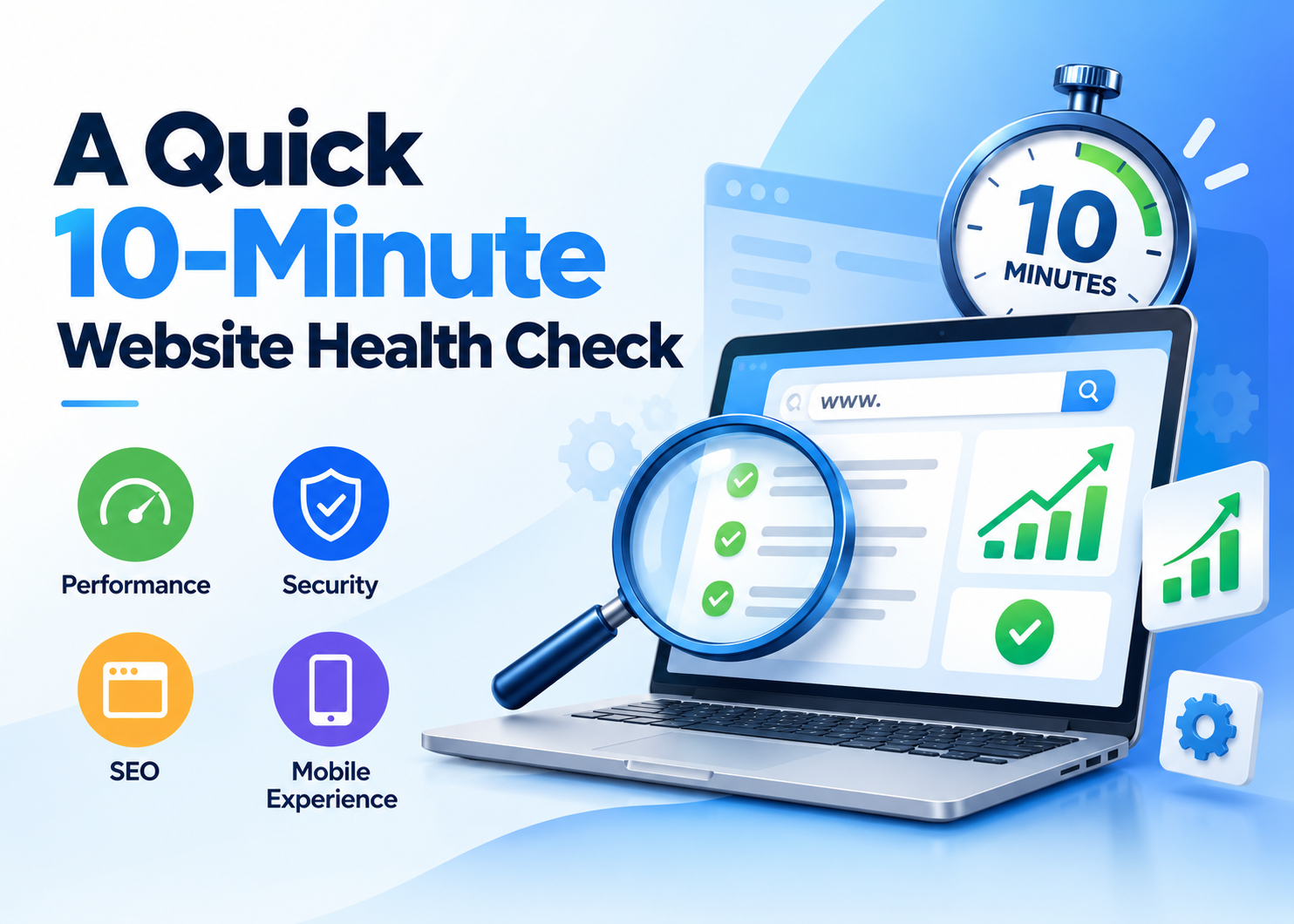
A Quick 10-Minute Website Health Check
You don't need technical knowledge to run a basic check. Use this table once a month.
|
What to check |
How to check it |
What happens if you ignore it |
|
Page speed |
Open the site on mobile data, or use Google PageSpeed Insights |
Visitors leave before reading anything |
|
Contact form |
Submit a test enquiry and check your inbox |
Leads are lost without anyone knowing |
|
SSL certificate |
Look for the padlock in the browser address bar |
"Not secure" warning drives visitors away |
|
Pending updates |
Check your website dashboard |
Higher risk of hacking and broken features |
|
Mobile view |
Open key pages on two or three phones |
You lose most of your mobile visitors |
|
Broken links |
Click through main menus and service pages |
Poor experience and weaker Google crawling |
|
Content |
Read the homepage, footer and contact page |
Business looks inactive or out of date |
|
Backups |
Ask your developer or host when the last backup was taken |
A crash or hack can mean rebuilding from scratch |
If three or more of these need attention, your website is overdue for proper maintenance.
Why One-Time Fixes Don't Last
Fixing a slow page or renewing an SSL certificate solves today's problem. But websites keep changing. Plugins release updates every few weeks, browsers change, security threats evolve, and your own content needs refreshing. A site that was fixed in March can be slow and outdated again by August.
That is why many businesses move to monthly website maintenance plans instead of calling a developer every time something breaks. A plan gives you regular checks, a clear scope of work and one team that knows your website well. Problems get caught early, often before your customers ever see them.
What Monthly Website Maintenance Plans Usually Cover
Every provider packages things slightly differently, but good monthly website maintenance plans usually include:
- Core, theme and plugin updates, tested before going live
- Regular backups stored away from your hosting server
- Security monitoring, malware scans and SSL tracking
- Uptime monitoring with alerts when the site goes down
- Speed checks and performance fixes
- Broken link and form testing
- Small content updates such as text, images and offers
- A short monthly report showing what was done
The right plan depends on how big your site is, how often it changes and how quickly you need issues fixed. If you want to understand pricing in detail, read our guide on what website maintenance actually costs in India.
How to Choose a Website Maintenance Service Provider
Not every provider offers the same level of care. Before you sign up, ask these questions:
- What exactly is included each month? Get the scope in writing, including how many content changes are covered.
- How fast do you respond when something breaks? A clear response time matters more than a low price.
- How are backups stored, and have you tested a restore? A backup that has never been restored is only a hope.
- Do you send monthly reports? You should be able to see what work was done.
- Have you worked with my platform before? WordPress, custom PHP, Laravel and e-commerce sites all need different skills.
- Who owns the logins and hosting access? You should always keep ownership of your domain, hosting and admin accounts.
A good website maintenance service provider will answer these clearly and won't push you into a plan before understanding your website.
Keep Your Website Working with AGTS
AlphaGenix Technology Solutions (AGTS) has been building and maintaining websites for businesses since 2009. As a website maintenance service provider, AGTS looks after updates, security, backups, speed and day-to-day fixes, so your team can focus on running the business instead of chasing website problems.
AGTS offers monthly website maintenance plans for business websites, corporate sites and online stores, and can also take over websites built by other companies.
Not sure where your website stands? Start with a free website health audit. AGTS will review your site and show you exactly what needs attention, with no obligation to sign up.
Frequently Asked Questions
1. How do I know if my website needs maintenance?
Common signs include slow loading pages, a "Not secure" warning, broken links, pending software updates, a contact form that doesn't deliver enquiries, and falling Google traffic. If you notice two or more of these, your website needs attention.
2. How often should a website be maintained?
Most business websites need basic checks every month, including updates, backups and security scans. Websites that change often, such as online stores, need weekly or even daily monitoring.
3. What is included in monthly website maintenance plans?
Monthly website maintenance plans usually cover software and plugin updates, backups, security monitoring, uptime checks, speed fixes, broken link checks, small content updates and a monthly report. The exact scope depends on the provider and the plan you choose.
4. Can I maintain my website myself?
You can handle simple tasks like updating text or checking your contact form. Updates, security, backups and performance fixes need technical skill, and a mistake can break the site. Most businesses find it safer to work with a website maintenance service provider.
5. What happens if I don't maintain my website?
An unmaintained website gets slower, becomes easier to hack and can stop working after browser or server changes. You may also lose search rankings and enquiries without realising it. Fixing a hacked or broken site usually costs far more than regular maintenance.
6. How do I choose a website maintenance service provider?
Look for a clear written scope, fixed response times, tested backups, monthly reports and experience with your website's platform. Make sure you keep ownership of your domain, hosting and admin logins.
7. Can AGTS maintain a website built by another company?
Yes. AGTS starts with a free website audit to check the code, platform and security status, then recommends the right monthly plan based on what your website needs.