
Typically begins with a month of mild activity.
Enquiries from the website slow down. Then they stop. The owner says, it's the season, or the market, or Google. After three months, someone fills out the contact form and tests something else, and nothing comes in. A plugin update for the form in August caused the form to cease emailing. Throughout the entire time the site was fine.
The problem with the unmaintained website is that. Does not often break visibly.
But what if you don't keep your website up and running? It's easier to hack, it slows down, it slips down the Google ranks and it begins to steal leads without your knowledge. This isn't what it looks like in real life, and here's what you can do about it.
But My Website Is Working Fine
This is something we've heard again and again, and it makes sense. If it goes to the home page, why pay for it?
Because a web page is not a printed brochure. It's software on top of more software: your CMS, a bunch of plugins, a theme, PHP, a database and a server. All of those are changed at different times, regardless of whether you visit your site or not. Browsers change. Google tweaks its ranking algorithm.Google updates its page ranking. And bots crawl the web throughout the day looking for old versions.
There's a very common version of this story in India. A few years ago, a business required a freelancer to construct their website. It starts, everyone is happy, and the freelancer gets on with their day. Admin password has been lost. There has been no sign of login from anyone for years. The site remains "working" just like a vehicle with no service history.
7 Things That Go Wrong When Nobody Maintains Your Website
1. It Gets Hacked, Usually Through Something Small
Very few hacked business sites are targeted. They're found.
Automated bots target one specific old and vulnerable plugin or theme. Once they do find it, they're in no time at all.
From there on, it's up to them. The owner doesn't realize it when the homepage is redirected to a betting or pharma site, unless it comes from visitors from Google. Google may have thousands of spam pages under your domain sometimes. Occasionally, your form fields receive data that you didn't expect.
It's enough if one plugin is out-of-date. That is why this list is incomplete without updates.
2. Google Puts a Red Warning in Front of Your Site
As soon as a site begins distributing malware or phishing pages, Google Safe Browsing alerts mark it. Then Chrome displays a complete red screen alerting all visitors to the fact that the site ahead is unsafe.
Few people pass over that.
Your traffic can go down to virtually nothing overnight and your hosting company may cancel your hosting account as well. Removing the warning requires a complete cleanup of the site and then a request for review in Google Search Console which may take a few days. Re-acquiring customers who had that red screen is much more time consuming.
3. It Gets Slower Every Month
No one cares if a website slows down by 1/2 second every month. Two years later it adds up.
The database gets garbage data. All images are uploaded at full size. Plugins pile up. The server's PHP is still a version that was abandoned a long time ago.
The majority of your visitors are on a cell phone, most probably on mobile data. Many of them won't wait for a page to load if it takes 6 seconds. Google also is paying attention, via its Core Web Vitals.
4. Your Rankings Slide, and AI Search Stops Quoting You
SEO decay is slow, and that's exactly why it's dangerous. Pages get deleted without redirects. Links break. Last year's price list is still live. Errors pile up in Search Console, which nobody opens.
There's a newer problem as well. Google's AI Overviews and AI Mode, along with ChatGPT and Perplexity, prefer sources that are current, accurate and technically clean. An outdated site with broken pages is less likely to be cited in those answers, and that's increasingly where people form their first impression of a business.
Meanwhile, a competitor who updates their site every month takes your spot. They don't have to be better than you. They just have to be looked after.
5. Enquiry Forms Break and Nobody Notices
This is the one that costs the most money. It's also the story from the top of this post.
Forms almost never break in a visible way. The form still shows up. Visitors still fill it in and press submit. Many still see a "thank you" message. But the enquiry never reaches you, because:
- a plugin update clashed with the form plugin
- your hosting's mail settings changed, and emails now land in spam or vanish
- the reCAPTCHA key expired
- someone changed the admin email and forgot to update the form
The same thing happens to WhatsApp chat buttons still pointing at an old number, and to Razorpay or UPI checkouts that fail after an update.
Every lead lost this way is one you already paid for, through ads, SEO, or years of building your name. And you'll never know who they were.
6. Your SSL Expires and Visitors See "Not Secure"
SSL certificates need renewing. Auto-renewal usually works, until a saved card expires or a DNS setting changes and it quietly fails.
Then every visitor sees a "Your connection is not private" warning. People won't type their phone number into a site like that, let alone their card details.
There's a legal side too. Under India's Digital Personal Data Protection Act, 2023, businesses are responsible for protecting the personal data they collect, and that includes what people enter in your website forms. An unpatched, unmonitored site makes that much harder.
7. Something Crashes and There's No Backup
Servers fail. Updates go wrong. Ransomware happens. With a recent, tested backup, you're back online in a few hours.
Without one, you're rebuilding from whatever you can find: old emails, the freelancer's files if you can still reach them, a few screenshots. Product pages, blog posts and customer records may simply be gone.
You don't rebuild a website in a weekend.
Neglected vs Maintained: The Honest Comparison
|
Area |
Neglected Website |
Maintained Website |
|
Security |
Open to known plugin and CMS flaws |
Updated, scanned and monitored |
|
Speed |
A little slower every month |
Checked and tuned regularly |
|
SEO and AI search |
Rankings and citations slowly drop |
Content and technical health kept current |
|
Leads |
Forms and buttons fail silently |
Tested every month |
|
Recovery |
Rebuild from scratch |
Restore from backup in hours |
|
Spending |
Sudden, expensive emergencies |
A fixed, predictable monthly cost |
Maintenance isn't free. But it's a cost you can plan for, while neglect tends to arrive as a bill you can't. If you want the numbers, we've broken them down in [what website maintenance actually costs in India](LINK: website-maintenance-cost-in-india blog).
What Good Maintenance Actually Includes
Forget the jargon. A good plan means someone is regularly:
- updating your CMS, plugins and theme, then checking nothing broke
- scanning for malware and closing security gaps
- taking backups, storing them away from your server, and testing that they actually restore
- watching uptime, so you hear about downtime before your customers do
- checking page speed
- submitting your contact form, tapping your WhatsApp button and running a test payment
- keeping track of SSL and domain renewal dates
- sending you a short report of what was done
If you pay for maintenance and never get a report, ask why.
How to Choose a Website Maintenance Service Provider (Without Regretting It)
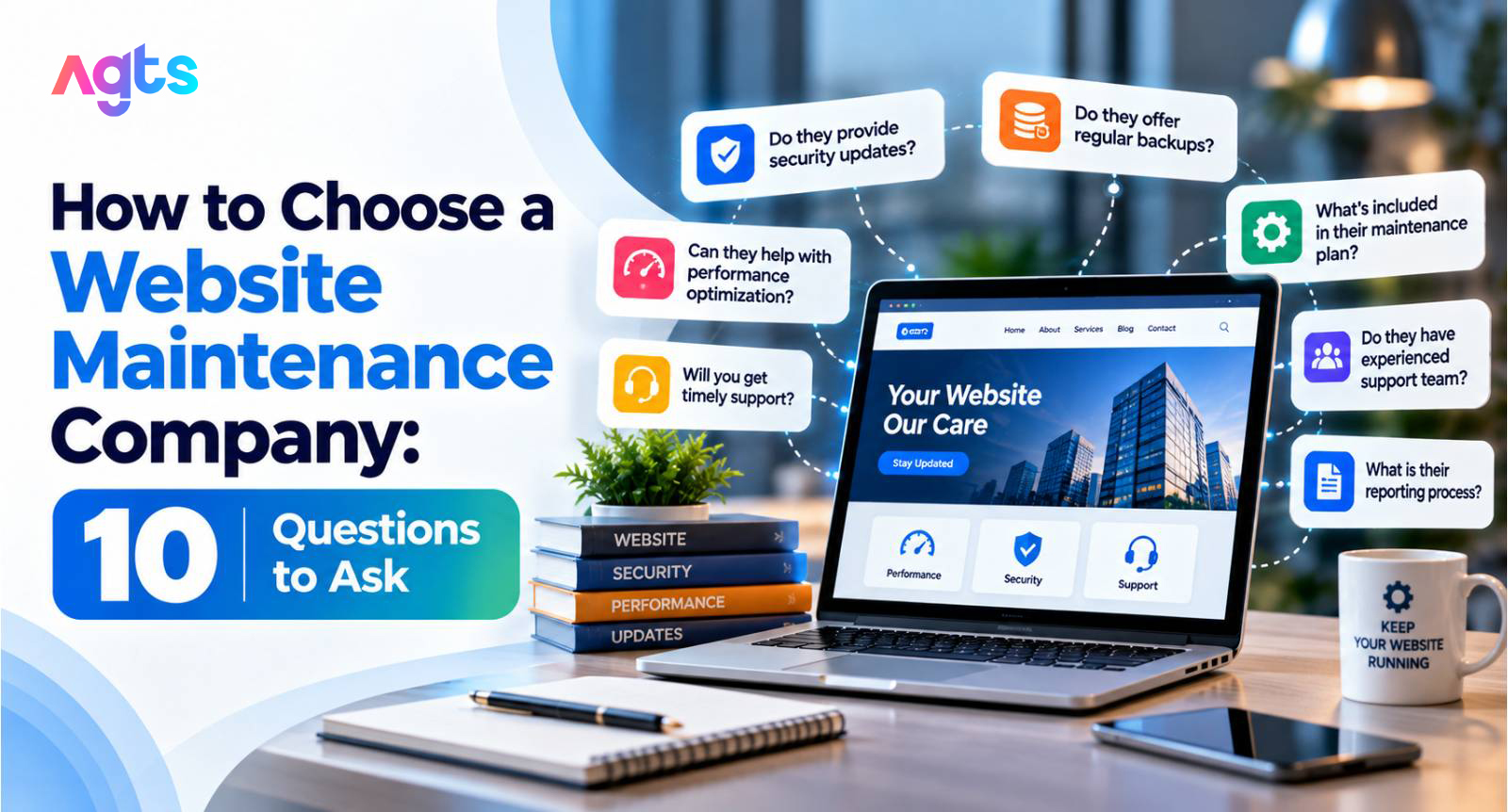
Every website maintenance service provider says they "take care of everything." These five questions help you check:
- "When did you last test a backup restore?" Taking backups is easy. Restoring them is what counts.
- "How quickly do you respond if my site goes down or gets hacked?" You want an answer in hours, in writing.
- "Who will I actually be talking to?" A named person beats a ticket number.
- "Can I see a sample monthly report?" If they can't show you one, that tells you something.
- "Do you check SEO health, or just keep the site online?" A site can be online and still invisible.
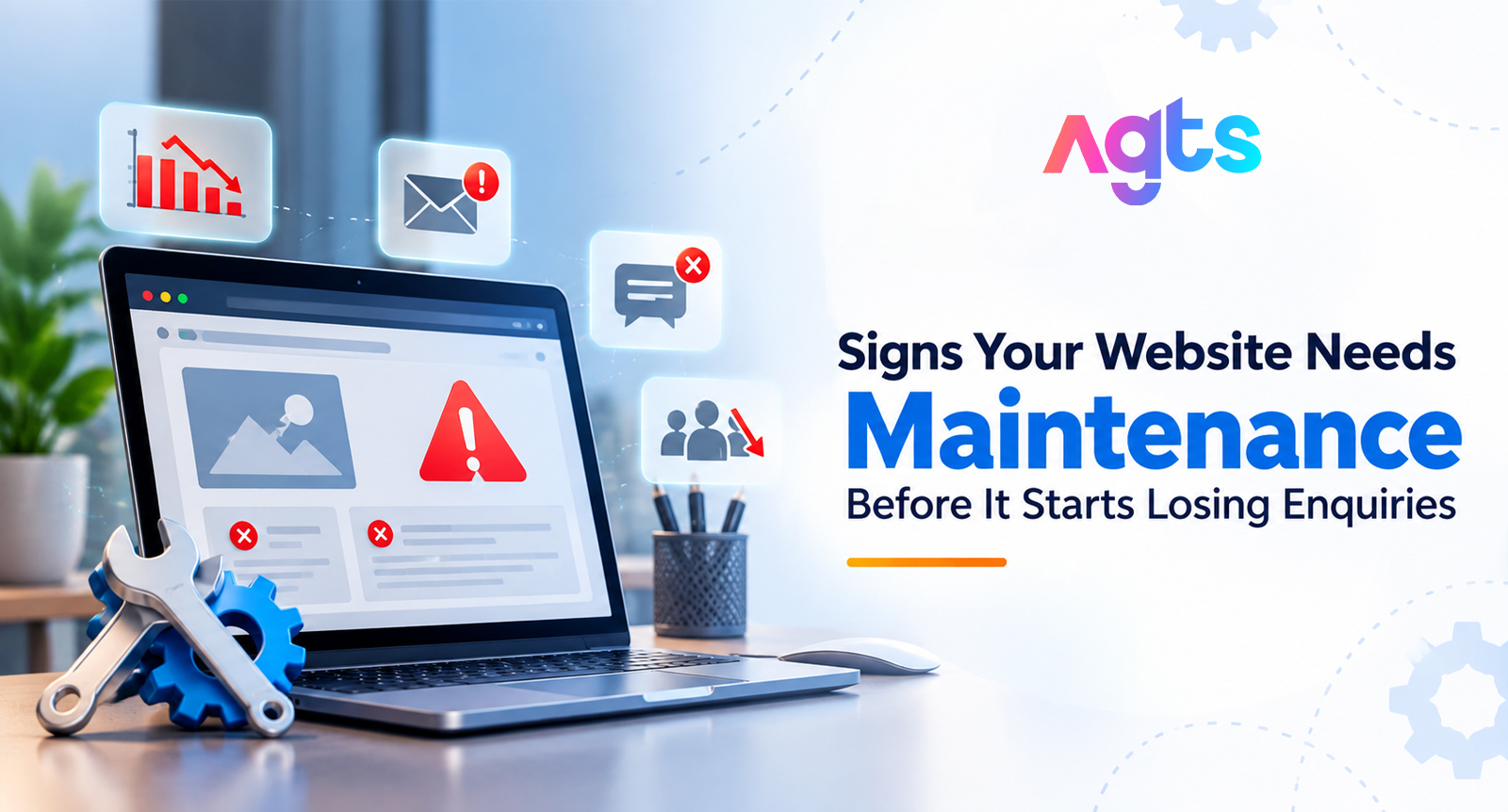
If you're not sure whether your site needs help yet, our guide to the signs your website needs maintenance is a good place to start.
How AGTS Handles It
AlphaGenix Technology Solutions (AGTS) has been building and looking after business websites since 2009, for clients across India and in more than 10 countries. Our maintenance team takes care of updates, security, backups, speed and SEO health. And yes, we test your forms every month.
Plans are fixed and monthly, so there are no surprise bills:
- Basic: ₹1,999/month
- Standard: ₹3,999/month
- Premium: ₹6,999/month
Not sure what shape your website is in right now? Start with a free health check. We'll tell you what's fine, what needs fixing, and what can wait.
Get your free website health check from AGTS
Frequently Asked Questions
So, what is the effect if I do not update my site?
It is easier to hack, since there are known security holes for older versions of plugin and CMS. It also slows down over time and stops functioning on Google without any warning and other features, such as forms, payment buttons and payment SSL, stop working for no apparent reason.
What frequency should a Website be maintained?
Security updates/ backups are needed at least once a week, or automatic. The speed checks, form tests and broken link checks should be performed at least once per month. Content and SEO should be checked quarterly.
So, can an abandoned website negatively affect your Google rankings?
Yes. Lots of pages take longer to load, links are broken, crawl errors and out-of-date content all drag down rankings over time. An infected site can lose many search hits in a single day if it is identified as a hacked site.
What is typically monitored in website Maintenance Services in India?
Most plans include software updates, security scans, backups, uptime monitoring, speed checking, SSL and domain renewals and a monthly report. Enhanced plans additionally test your forms and integrations, and monitor SEO health.
What is the cost of Website Maintenance in India?
This will rely on the size of the site, the platform and the level of support you're looking for. The price of monthly plans for most small business websites start from around ₹ 2,000. For a detailed breakdown of our costs check our cost guide.
Does it make sense to maintain a small business website?
Yes, quite a lot more than a big one. It’s these smaller web sites that are attacked because they don't get updated often enough. If your small business loses a month of enquiries, it can cost you more than a full year of maintenance.